
Fork me on GitHub
I ❤️ MamaTux!
Skip to main content

Creative use of Apples Time Machine

Time Machine
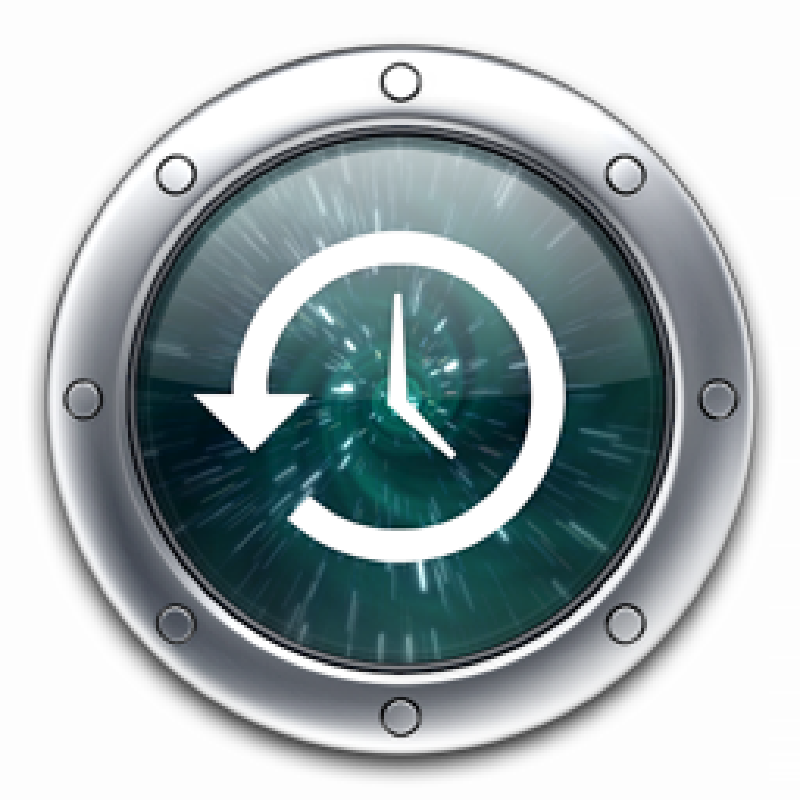
I Just had an Apple moment! A moment where you truly feel the amount of thought that goes into creating all the cool stuff 1 at Apple. I was just about to install the latest beta of the iPhone 3.0 SDK, when I ran out of disk space. What to do ? -  I could get up from the couch and find an external hard disk, but that one was also stuffed… I think… Well I didn’t bother to check, instead I chose a random 2 folder in my home directory that weighed in at just under 3 GiB. I then went on to install the SDK. After the installation I deleted the SDK disk image, and then “Entered the Time Machine” and restored the folder. Quite useful! - So if I one day need a lot of storage, and I am far from home,  I’ll just delete 3 my iTunes music folder and restore it when I get home.


  1. Yes, I know I sound like an Apple fan boy, so deduct 10% of my enthusiasm for everything I say about Apple ↩︎

  2. Well not completely random, I chose a folder that I knew hadn’t changed in the last couple of days - i.e. I knew it was backed up properly! ↩︎

  3. Please don’t delete just any random folder, pick one you know hasn’t changed since the last time Time Machine backed up your hard disk ↩︎

David Jack Wange Olrik
Author
David Jack Wange Olrik
Automate all the things!