
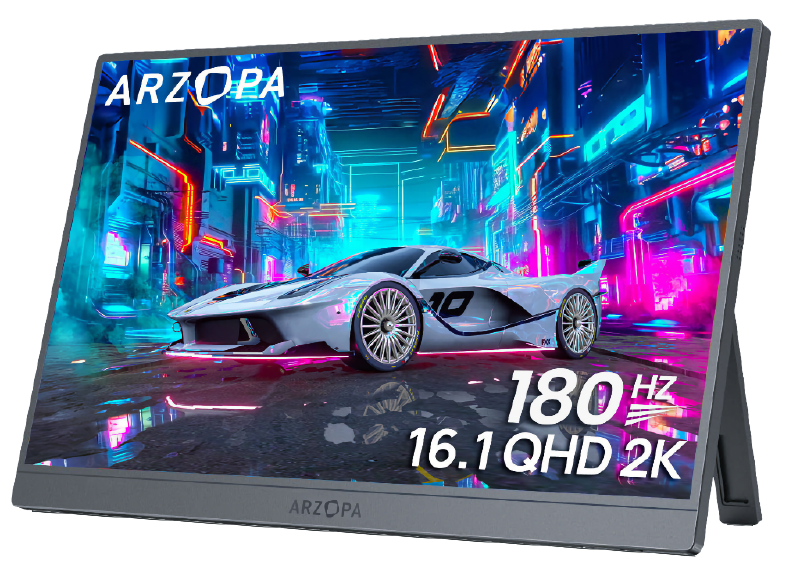
The Asus Zenscreen was starting to show its age and the resolution was only 1920x1080.
Arzopa, who I never heard of before, recently released the Arzopa Z3FC, which is quite similar to the Asus Zenscreen, but with higher resolution, much higher brightness and quite a bit lighter1 and a whole extra inch.
Specs #
| Size: | 16.1" |
| Resolution: | 2560 x 1440 (QHD) |
| Refresh rate: | 180Hz |
| Panel type: | IPS |
| Connectivity: | USB-C, Mini HDMI |
| Special features: | AMD FreeSync; 107% sRGB color gamut; HDR10; Low Blue Light technology |
What you get in the box #
Included in the box is the Arzopa Z3FC monitor, a really nice protective sleeve, a USB-C cable with a U-shaped connector which makes it look much nicer2 when you connect it to your laptop.
The final two things included in the box are a Mini HDMI to HDMI cable and a USB-C cable for external power3 and these two cables lets you use the screen as a normal monitor4, which is quite handy for fixing a server with no KVM attached, connecting a Nintendo Switch or similar.
Highly recommended! ★★★★
-
In reality they weigh about the same, but the cover for the Asus weighs about 500 grams and doubles as the kickstand, so you can’t avoid bringing it along. ↩︎
-
No more cable pointing skyward, looking like some kind of broken antenna! ↩︎
-
But no power supply, but you probably already have a USB-C power supply lying around you can use. ↩︎
-
Which the Asus Zenscreen can’t do as it only supports USB-C input. ↩︎